Due to the requirements established by our financial partners who provide payment processing services through DonationAlerts, we are introducing mandatory account verification. The main goal of this is to increase the security of financial transactions.
We have prepared detailed instructions to help you complete this process. However, if you experience any difficulties, please do not hesitate to contact our Support Service.
Verification levels
The verification procedure is very simple and depends on the total amount of your donations through DonationAlerts. There is a total of 2 verification levels, each of which involves providing additional information about you or your activities.


How to verify your account
Step 1.
Go to the Verification section in your account settings.

Step 2.
2.1 Select the verification level assigned to you by the system and click the “Undergo verification” button.
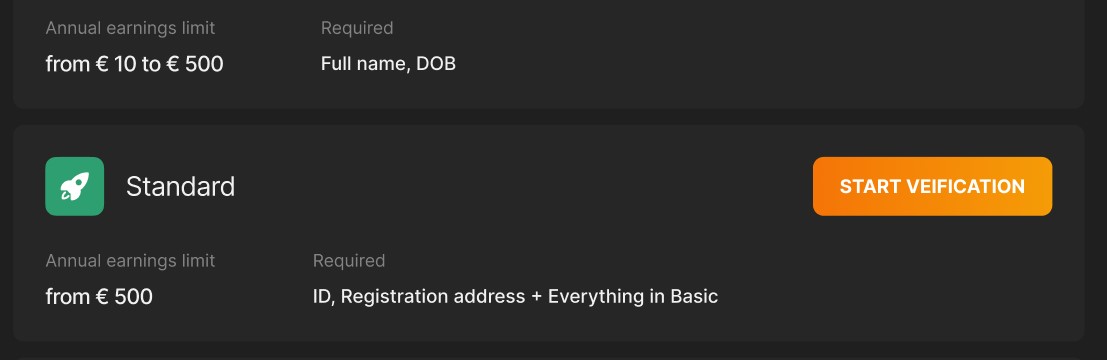
2.2 Fill in all the required data and attach document files
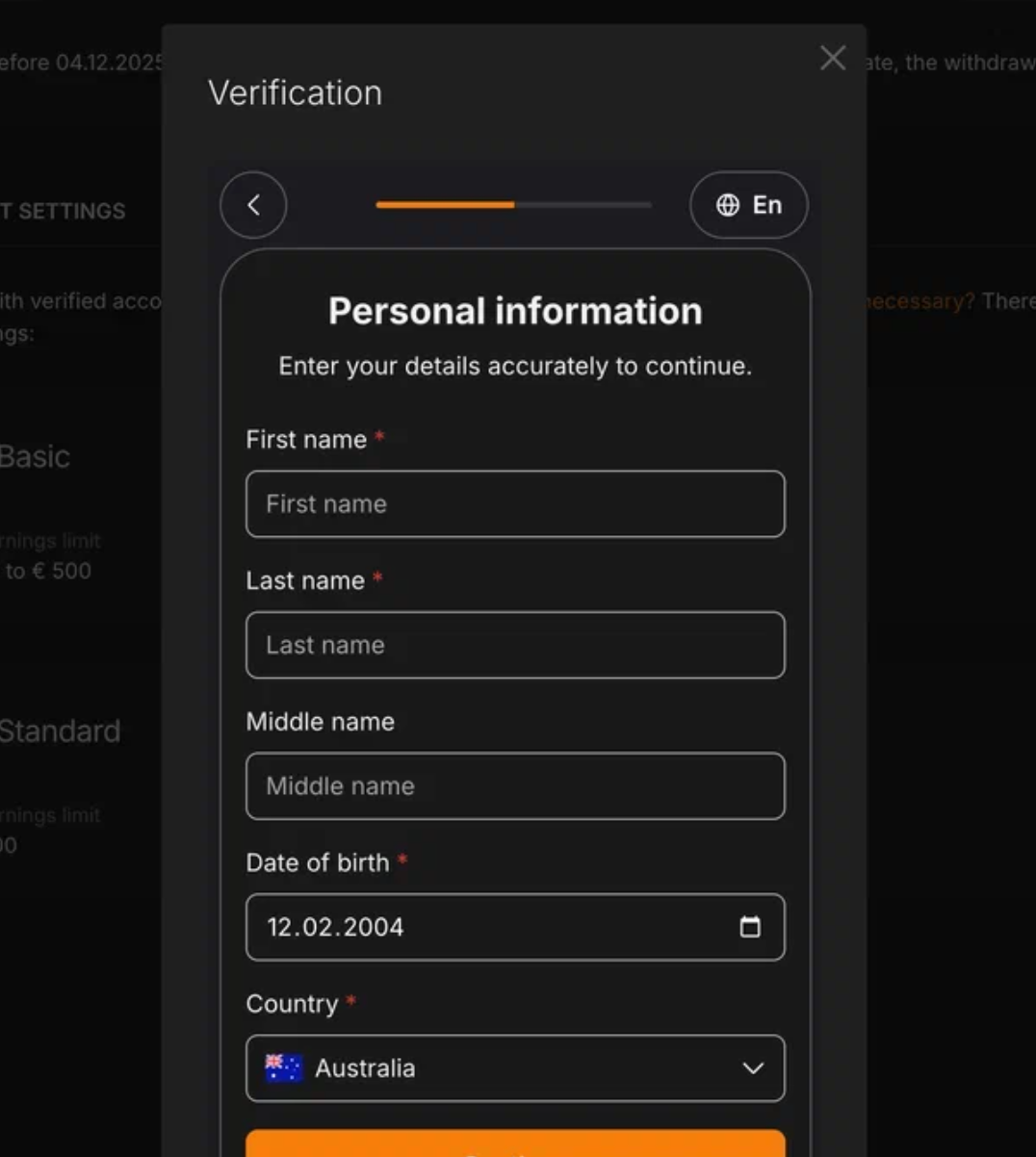
Step 3.
Once you have filled out the form, your data will be sent for processing and your verification status will appear as “Pending.”
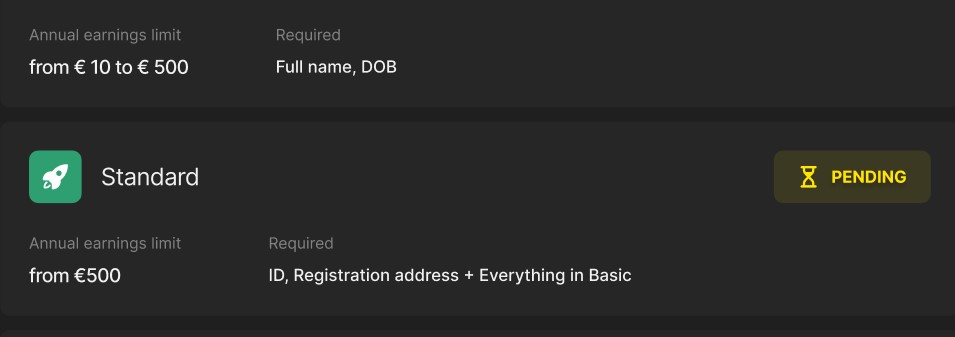
Step 4. Verification result.
As soon as data processing is complete, you will immediately receive a notification of the result by email or in the Verification section in your account settings.
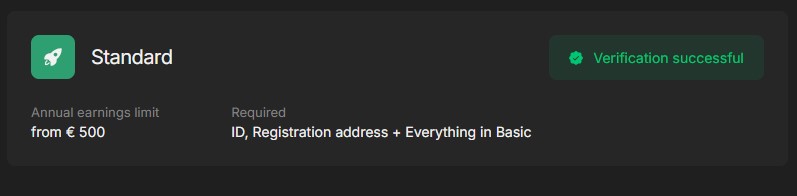
Verification successful.
Congratulations! You have successfully passed the verification process and can use all the features of the service.
Verification failed.
Please go to the Verification section in your account settings to find out why the verification failed and restart the process:
- Go to the Verification section to see why the verification failed.
- Enter the correct or additional data.
- Start the process again.
Step 5. The streamer has reached the limit for the current level.
If you reach the donation turnover limit for your current verification level, you will need to provide additional information to move to the next level. You have 30 days to provide the required information.
After this 30-day period, you will not be able to withdraw funds or access other service features temporarily until you complete the required level of verification.